How to Fix iPhone Overheating Issue
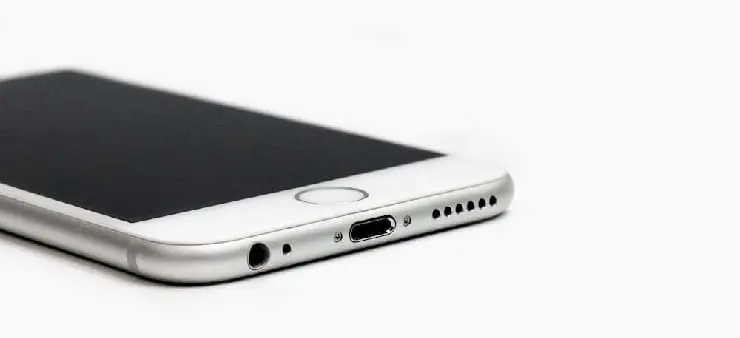
How to Fix iPhone Overheating Issue. Is your iPhone getting too hot? Don’t worry—this is a common issue, and it can be fixed easily. Overheating usually happens when the device is overused, exposed to heat, or running heavy apps for a long time. Fortunately, there are simple ways to solve it.
First, always keep your iPhone updated. Apple releases software updates that fix bugs and improve performance. Moreover, remove unused apps that run in the background, as they may cause the device to heat up. It’s also a good idea to turn off Bluetooth, Wi-Fi, and location services when not in use.
In addition, avoid using your phone under direct sunlight or in hot places. Instead, keep it in a cool, dry area. If your iPhone is hot while charging, unplug it and let it cool. Furthermore, always use original Apple chargers, as cheap ones may damage the battery and increase heat.
Restarting your device often helps in clearing temporary files and reducing stress on the processor. In extreme cases, resetting all settings might help.
By following these tips, you can keep your iPhone running smoothly without overheating. Regular care and smart usage go a long way in protecting your device’s health.
Social:
https://in.pinterest.com/pin/888616570233546472/
https://www.linkedin.com/feed/update/urn:li:share:7345293524495421447/


Comments
Post a Comment